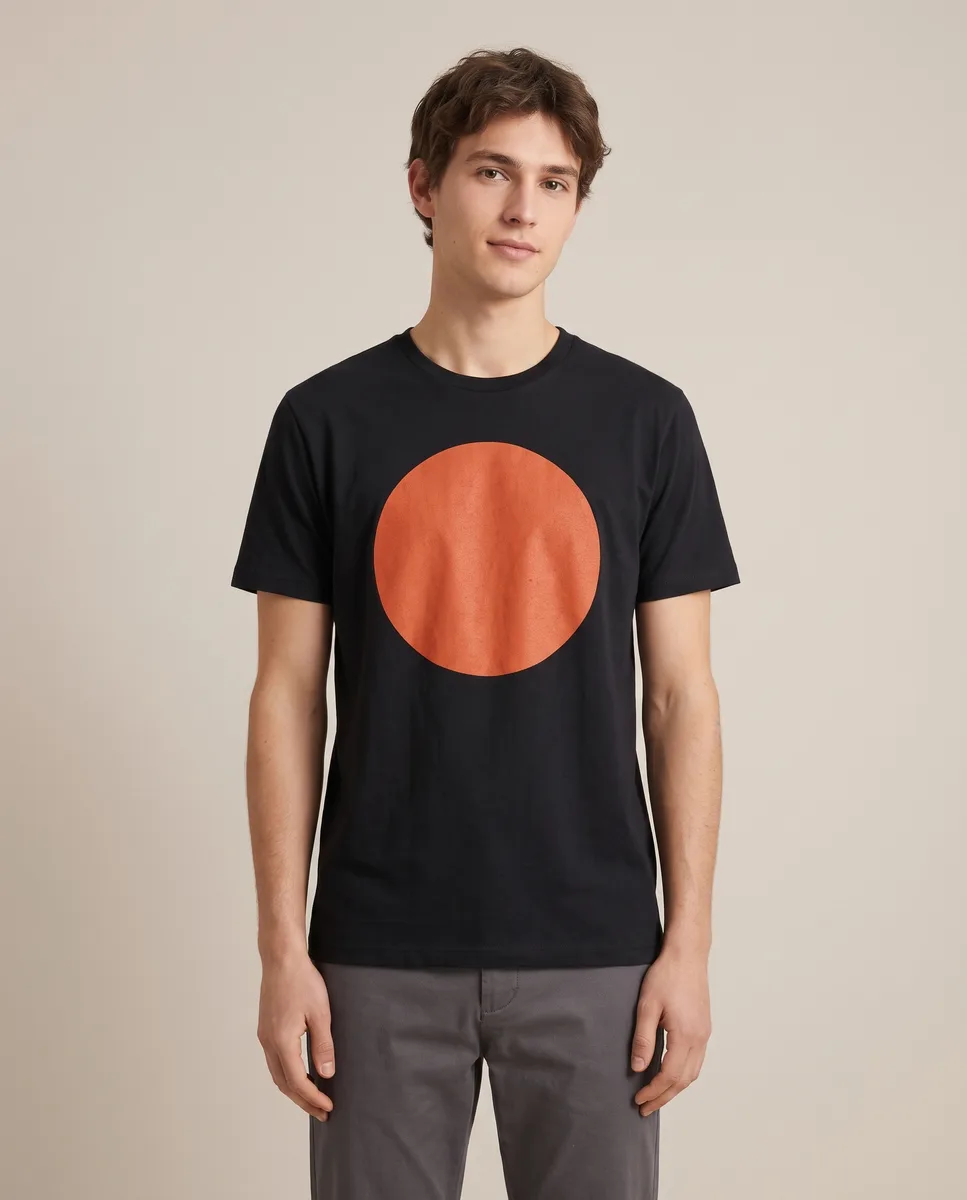
 On-model
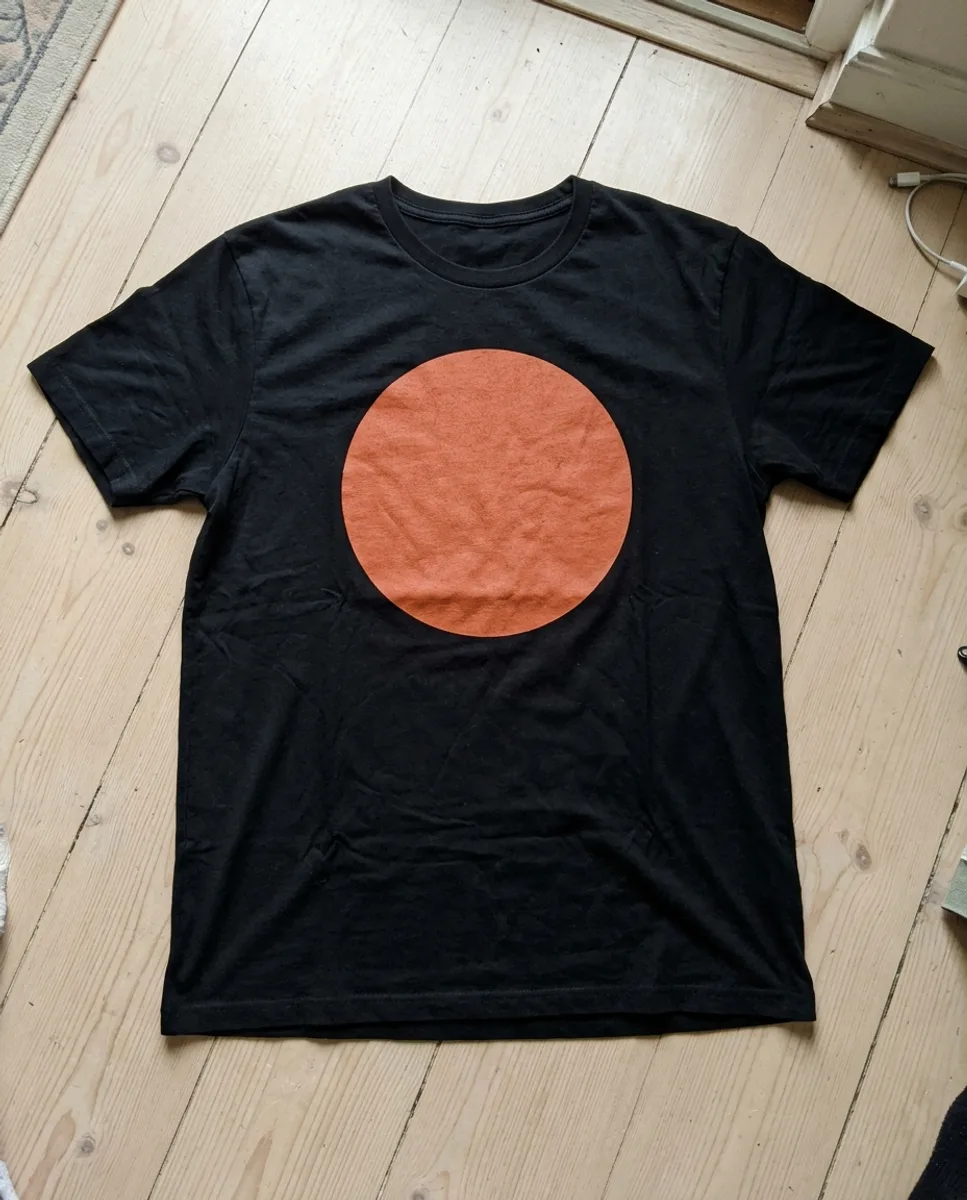 Your photo
One photo becomes a full set
Start with the photo you have. atlios makes the rest, and you check each picture before it goes to Shopify.
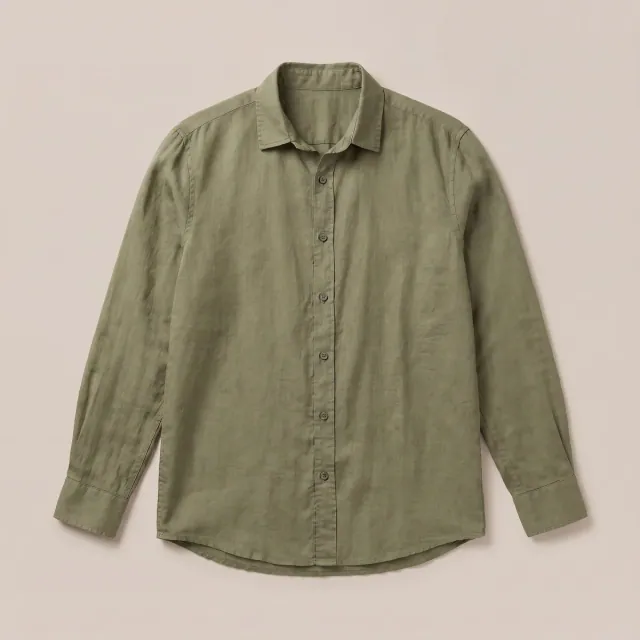
Studio photo
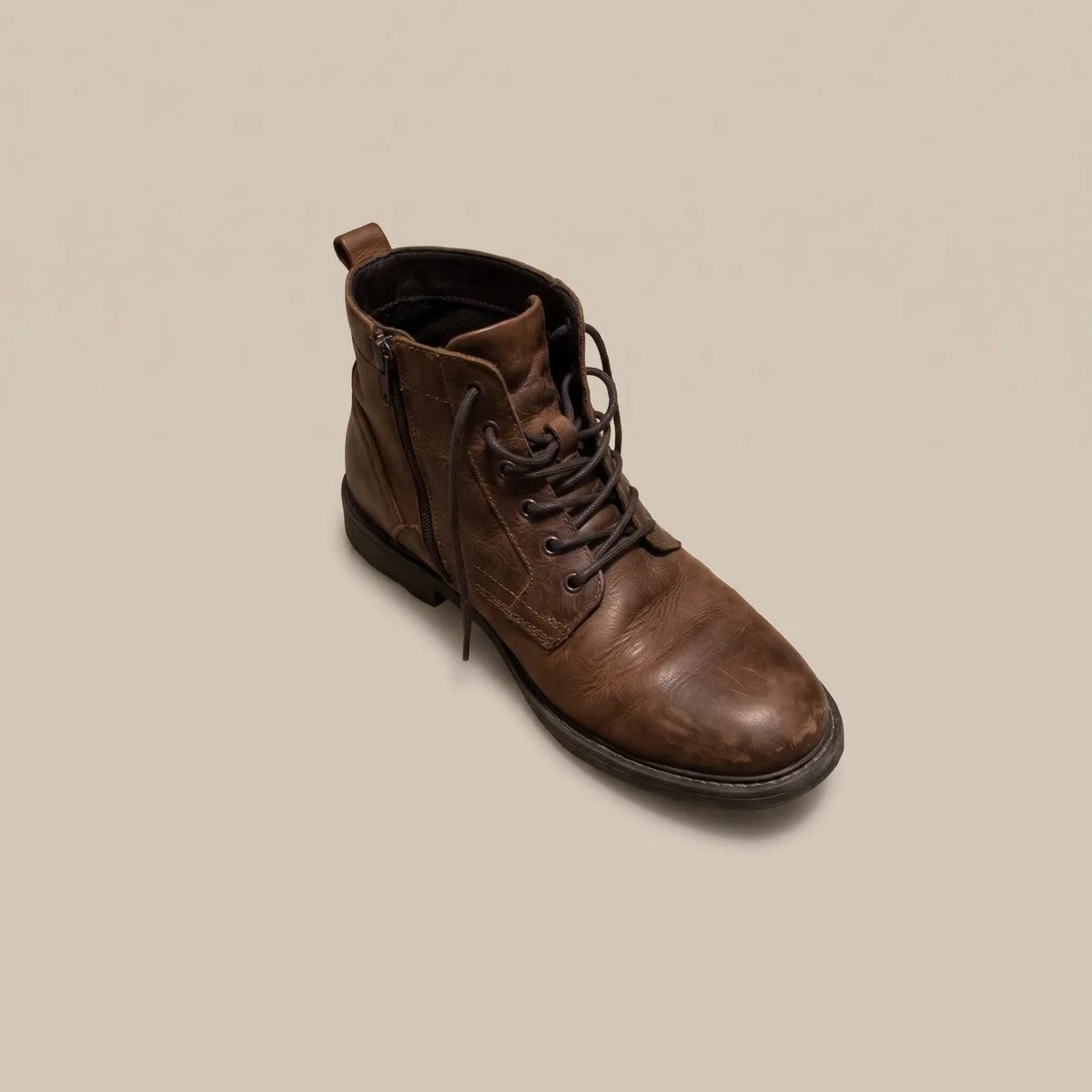
The same shirt on a clean background, with a soft shadow.
Product photos, colours and angles
 Studio
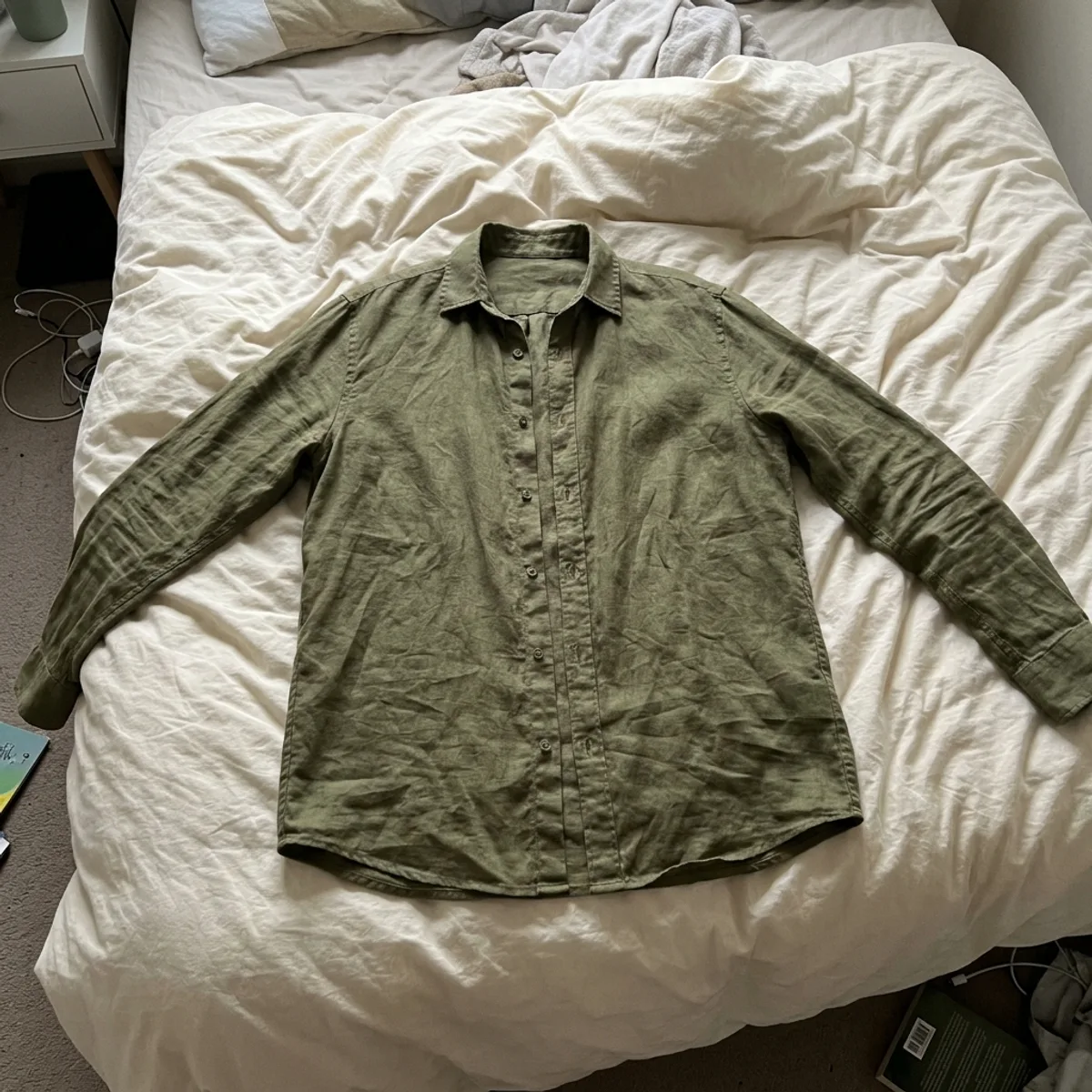
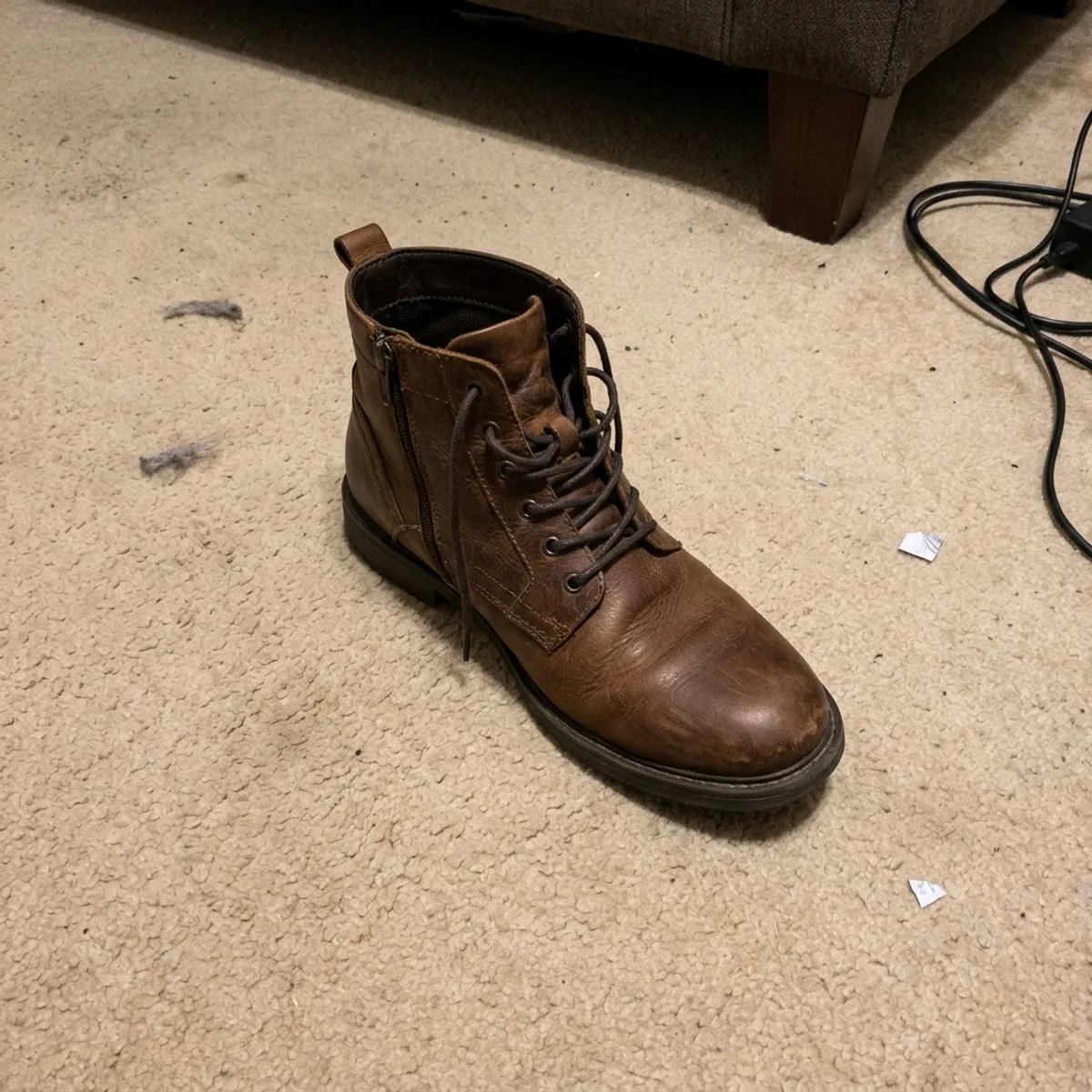 Your photo
Studio photos from a phone photo
Set the background, the light and the shadow.
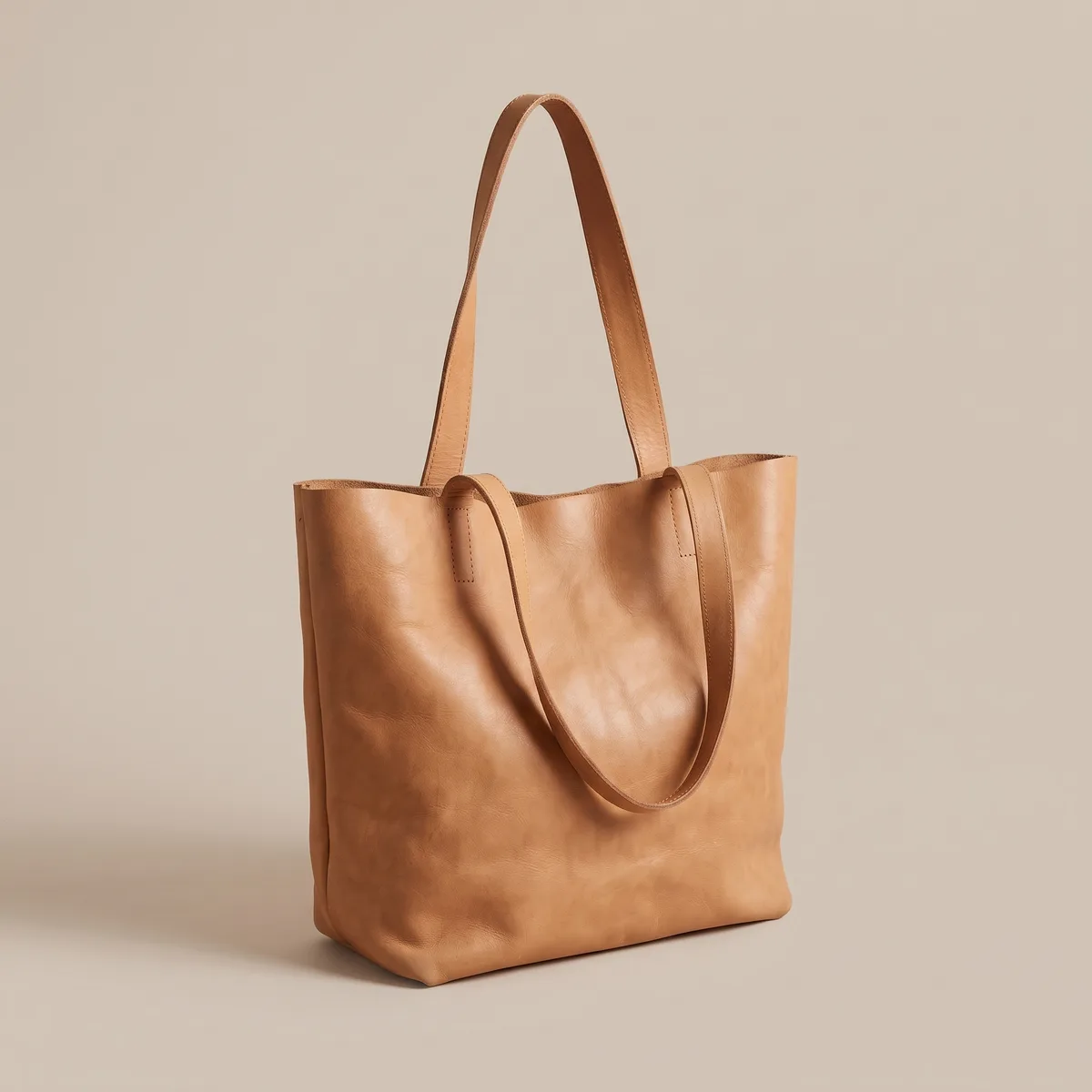
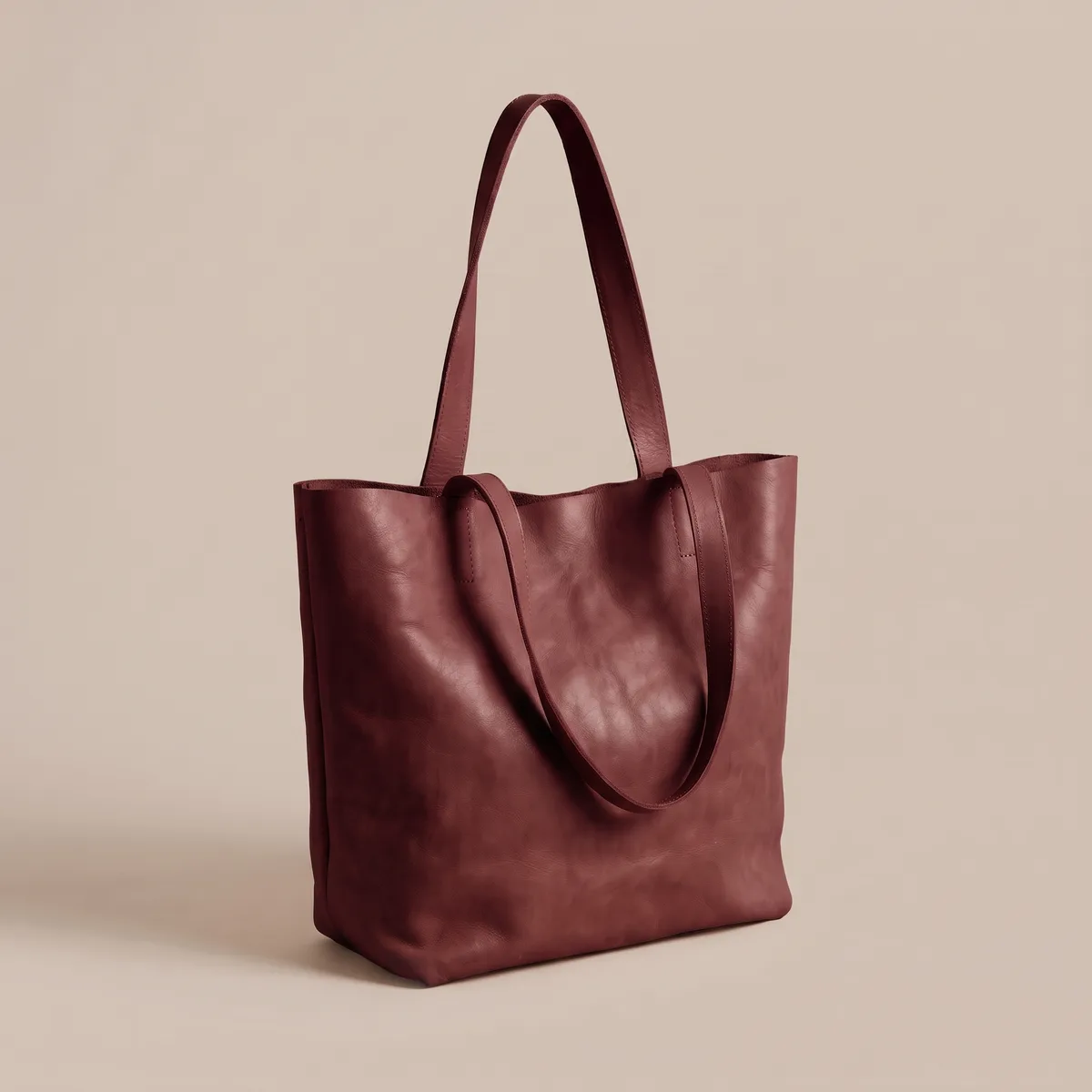
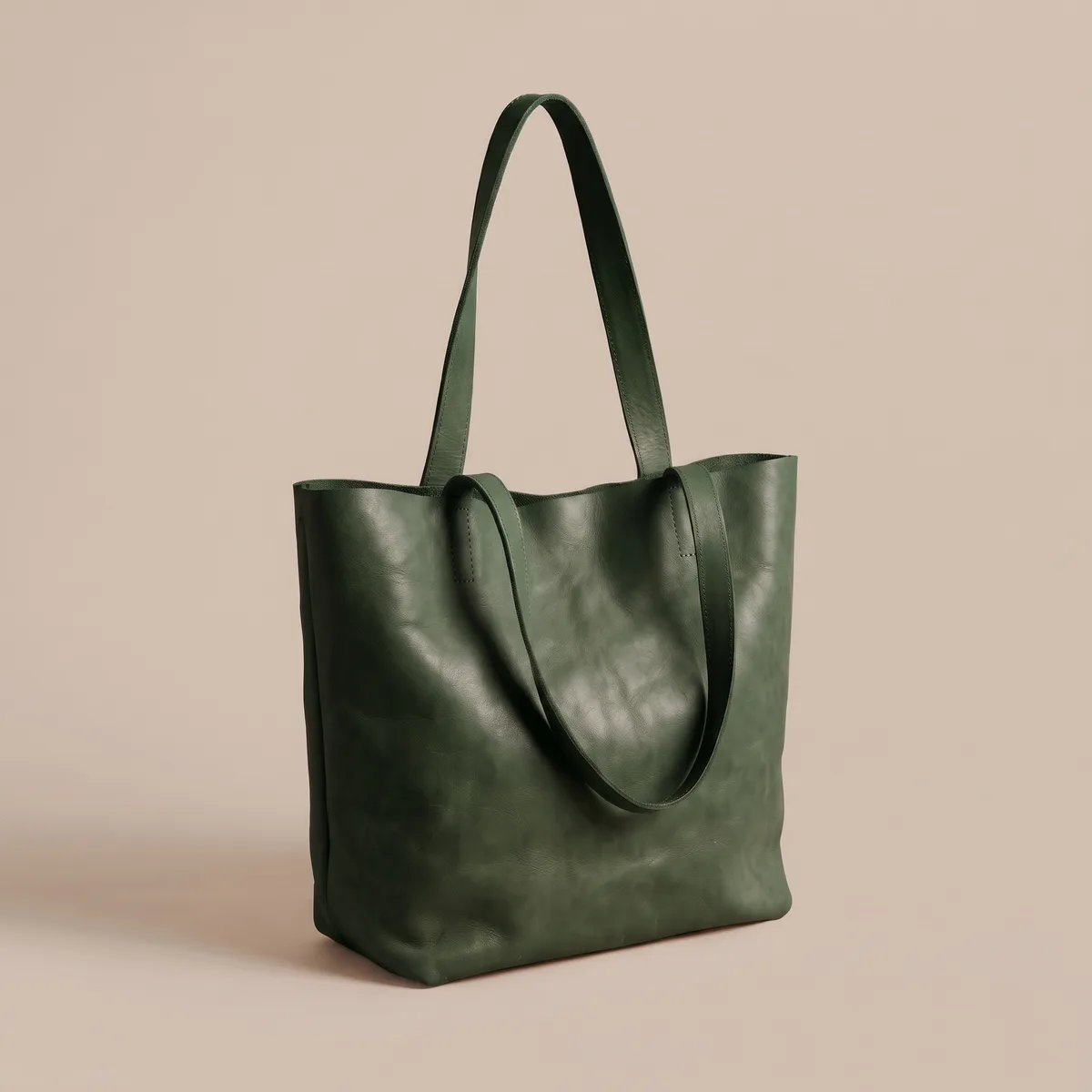
Every colour from one photo
Recolour the product, trims and hardware too if you want.
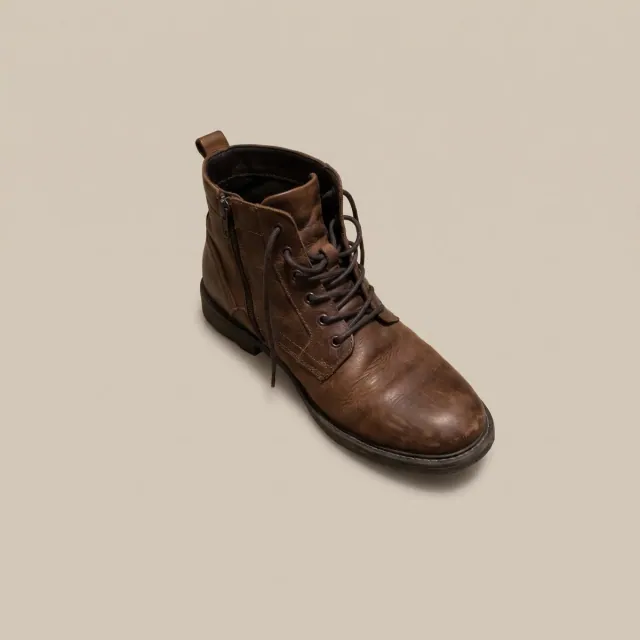 Front
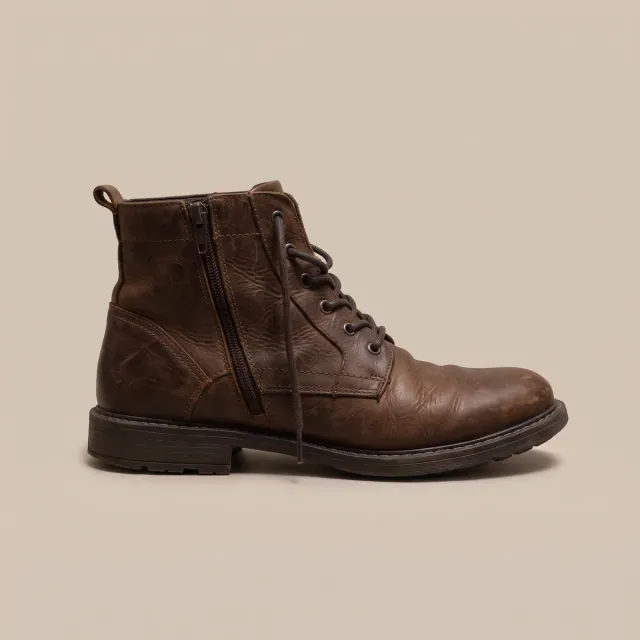 Side
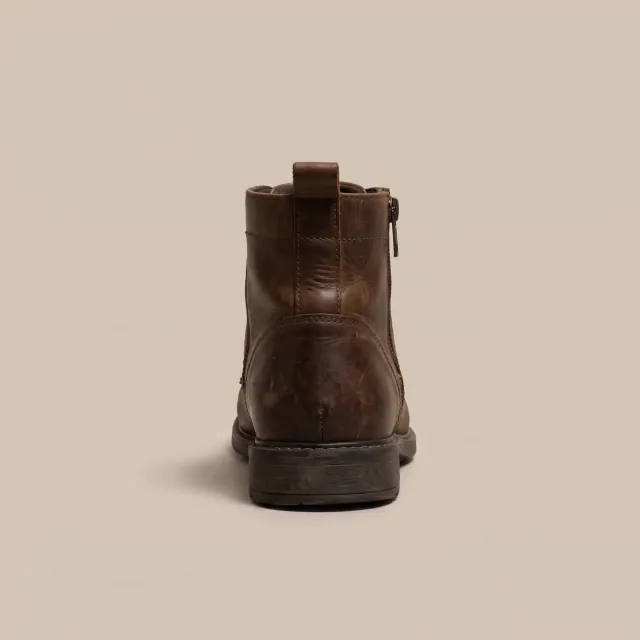 Back
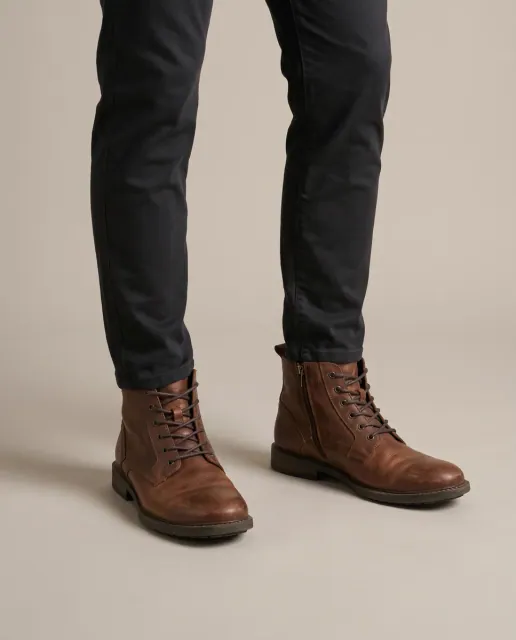 On foot
New angles from the photo you have
Eight angles, from front to detail close-up.
Ready sizes for each channel
12 sizes for Instagram, Facebook, Pinterest, email and your shop.
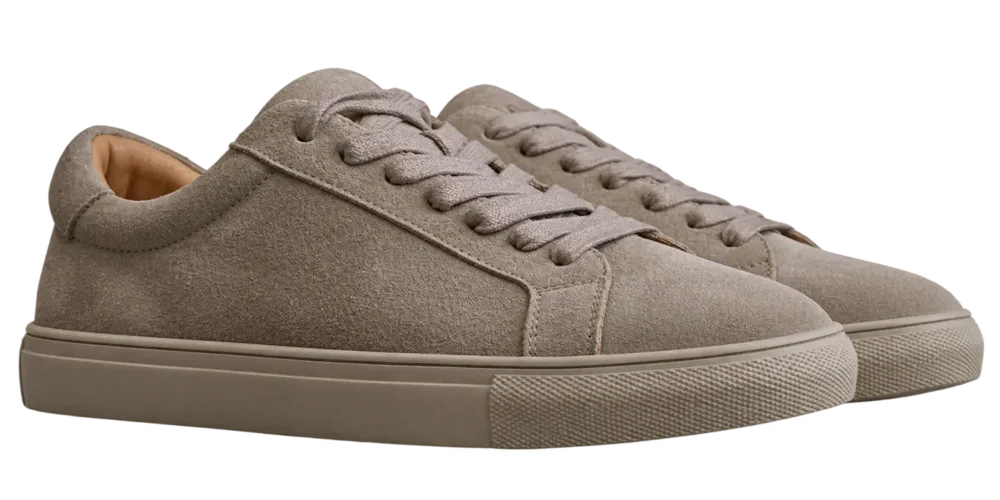
Cut-outs and background removal
On a transparent or a solid colour background. 2 credits a photo.
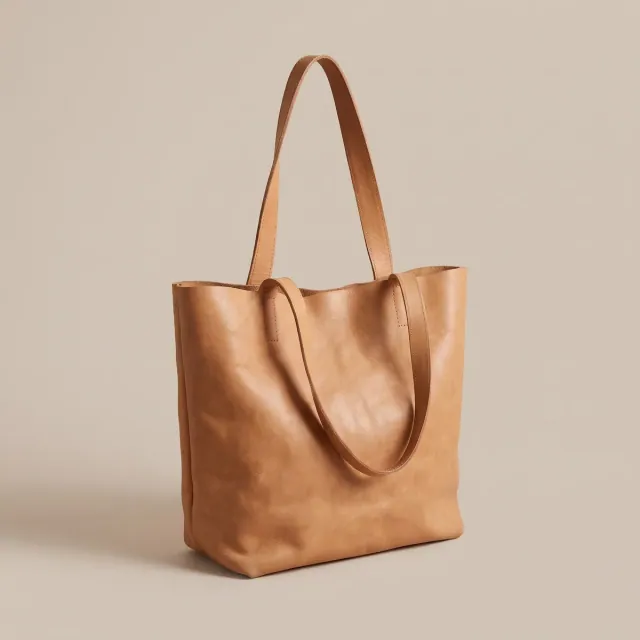
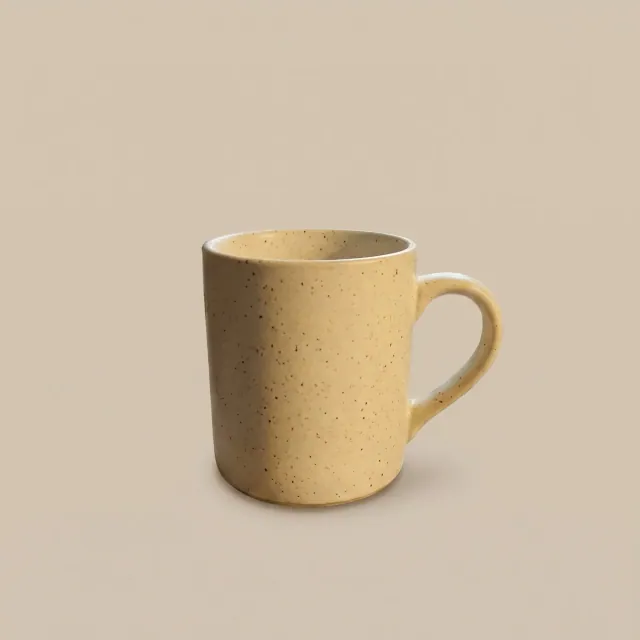
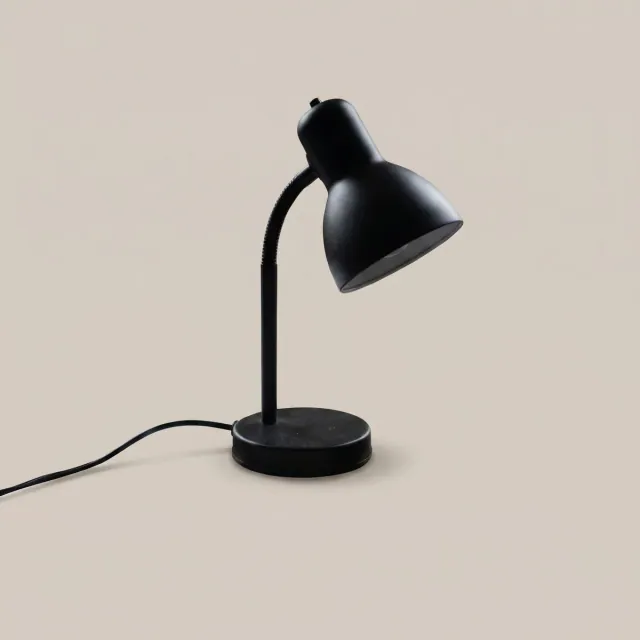
One house style across the shop
Save a look once and use it on every product that matches.
Keep new photos in your house style
On paid plans, a new photo in the wrong size or shape is redone in your look. Hold it for approval, or publish it and keep the original for 7 days.
Straight to Shopify
Added to your product with an image description and a clean file name. Your current photos stay.
Campaign pictures and designs
Describe the picture you want, or let Lio lay out a post. Both start from your own products.
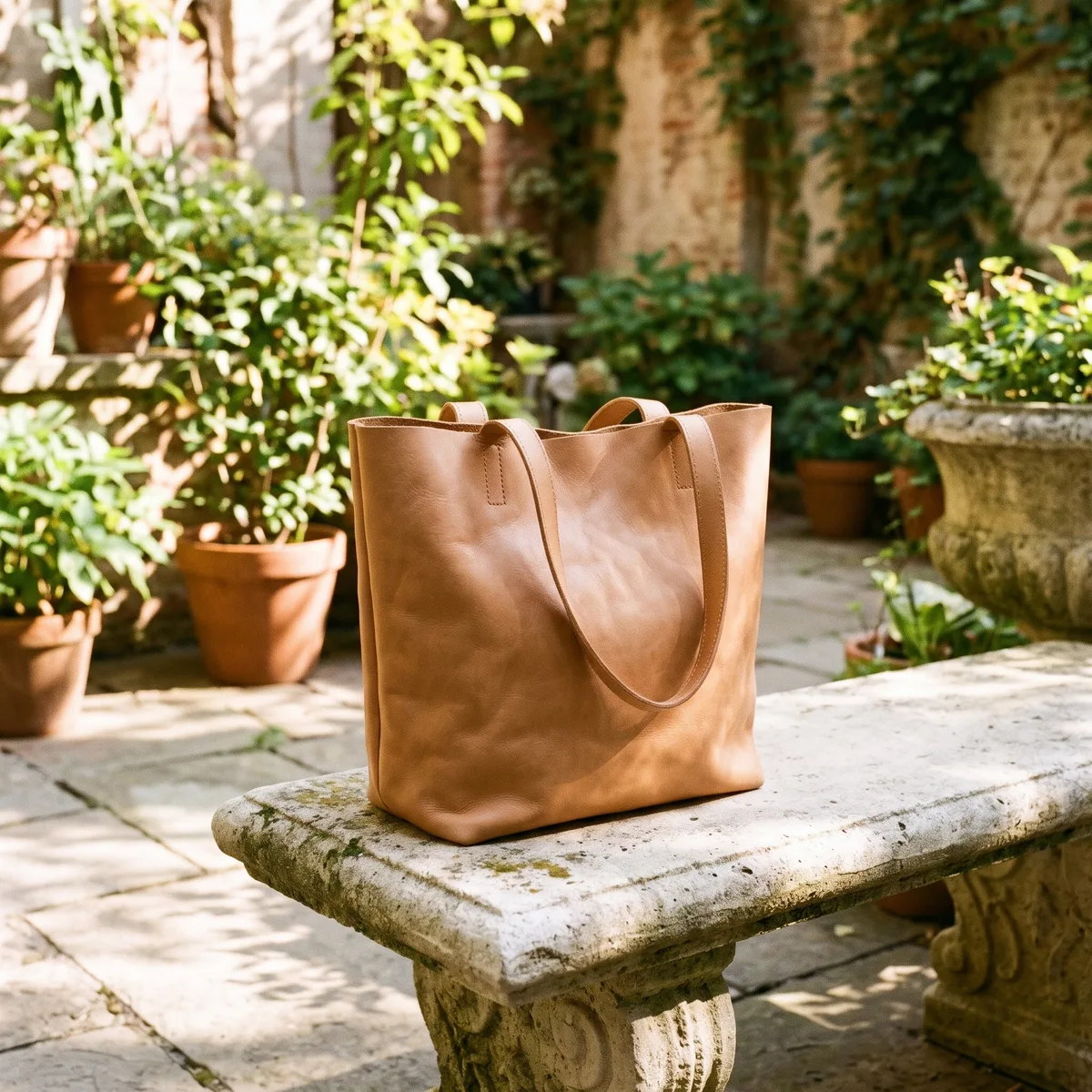
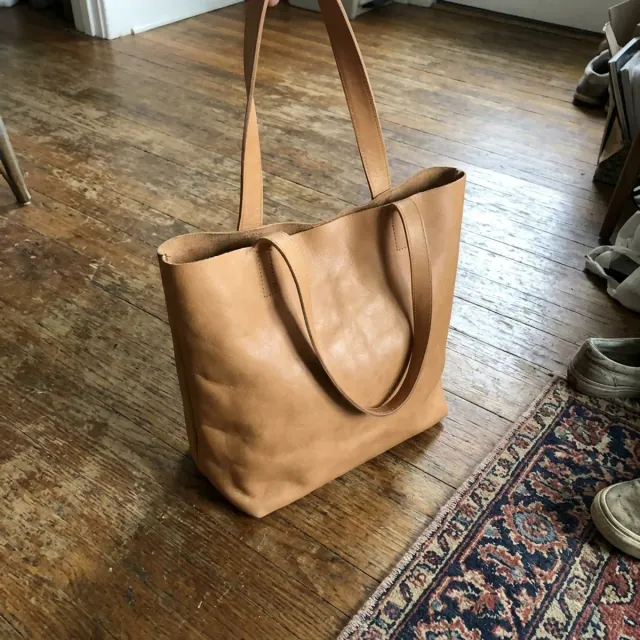
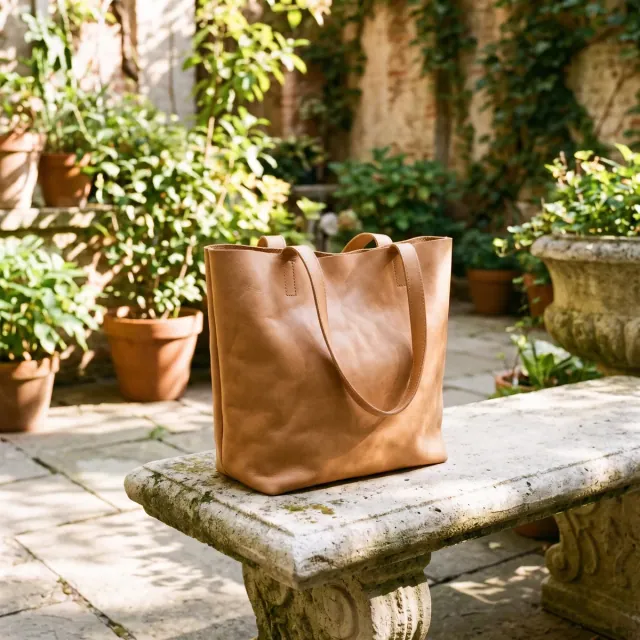
1 of 4The tan tote on a stone bench in a garden, morning light
Describe any picture
Put up to four of your products in one scene. 6 to 10 credits a picture.
Designs for posts and banners
Lio lays out your photo, your words and your logo. Edit anything by hand.
A Shopify product video from one photo
Six styles, from a full turn to a lifestyle scene. Each clip starts from one photo.
- Full turnplaying6 or 8 s55 or 70 credits
- Hero loop6 or 8 s55 or 70 credits
- Detail sweep4 or 6 s40 or 55 credits
- Feature call-out6 or 8 s55 or 70 credits
- Lifestyle scene6 or 8 s55 or 70 credits
- Describe your own4, 6 or 8 s40 to 70 credits
Ask for a change to a clip; undoing it is free. Approved clips go to the product's Shopify gallery.
Make product photos in three steps
Pick the products, choose a look, then approve each picture.
- 01
Pick products
Pick products from your Shopify catalogue, or upload photos from your computer, Dropbox or Google Drive.
- 02
Choose a look
Set the background, the light and the shape, and save it as a look to use again.
- 03
Check and publish
Approve, reject or try again with a hint. Approved photos go to your Shopify product.
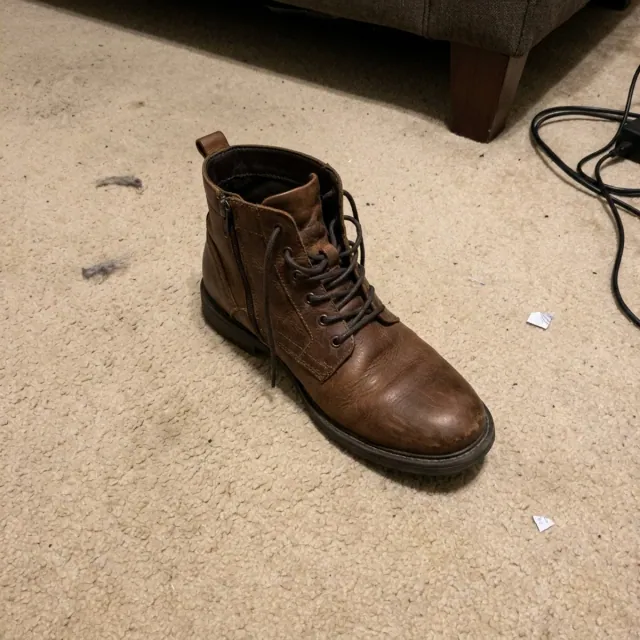
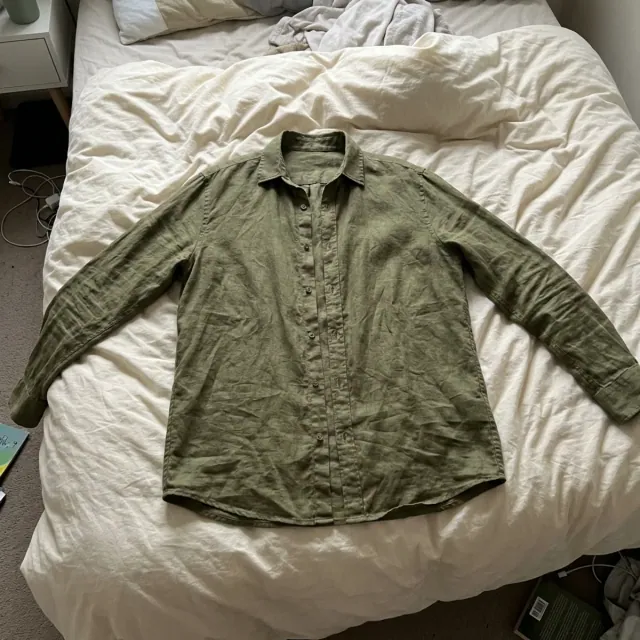
Each photo is checked before you see it
Four stages run on every picture. Two more depend on the look.
Reads your photo
Finds the product and where it sits.
Every picture
Writes the brief
Your look, as instructions for this photo.
Every picture
Makes the picture
Drawn from your photo and the brief.
Every picture
Compares it with yours
A bent shape or an invented object means one more try, then a warning.
Studio, on-model and scene looks
Locks the background
Sets the background colour you chose.
Plain-colour backdrops
Final review
Would a photographer accept it? If not, you get a warning.
Every picture
Start with the photo problems in your catalogue
atlios finds these photo problems and helps you fix each one. New descriptions and file names are written for you to approve.
- 01Too few photos
- 02A wrong size or shape
- 03Files far larger than any screen
- 04Weak image descriptions
- 05Generic file names
A whole catalogue at once
One job takes up to 10,000 photos, matched to products by the SKU or barcode in the file name. Mixed supplier photos are sorted into main and detail shots.
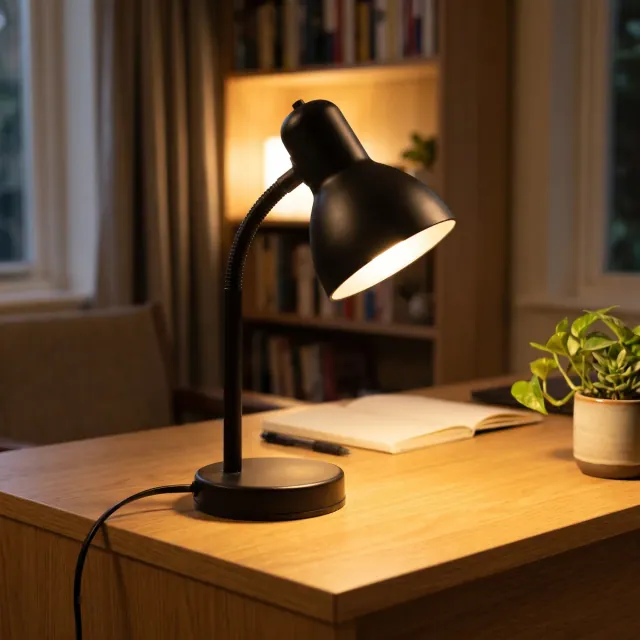
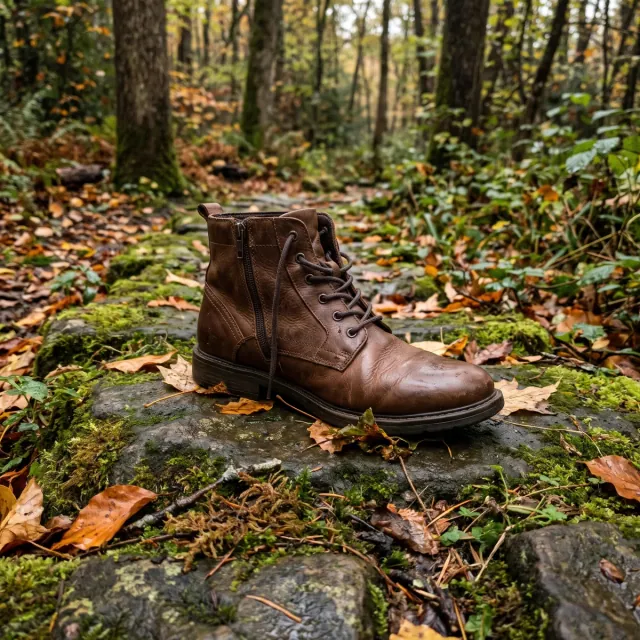
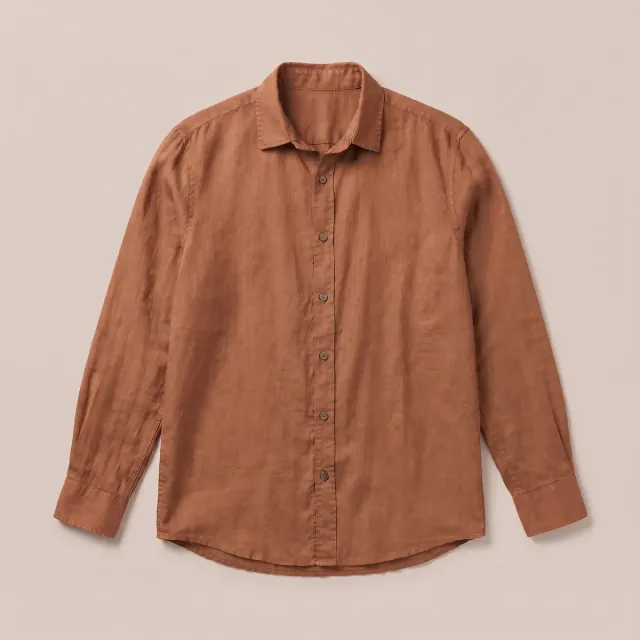
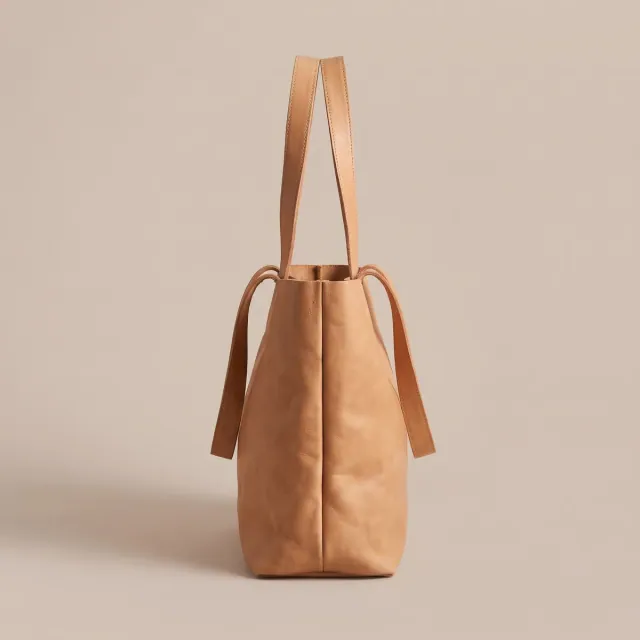
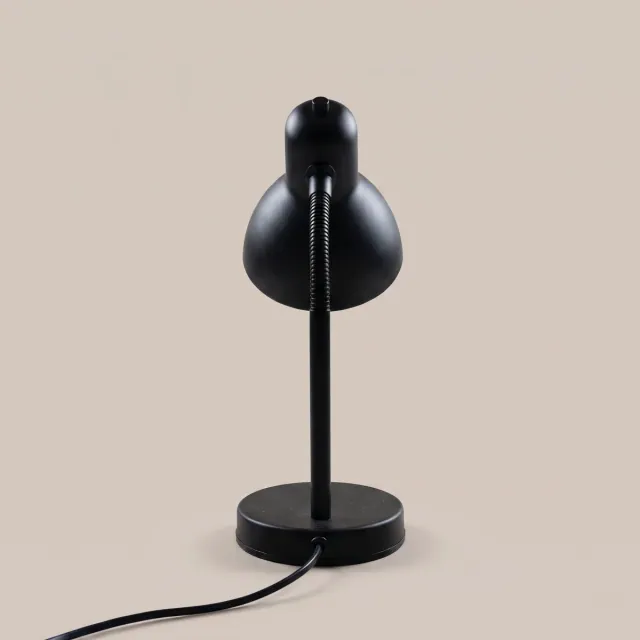
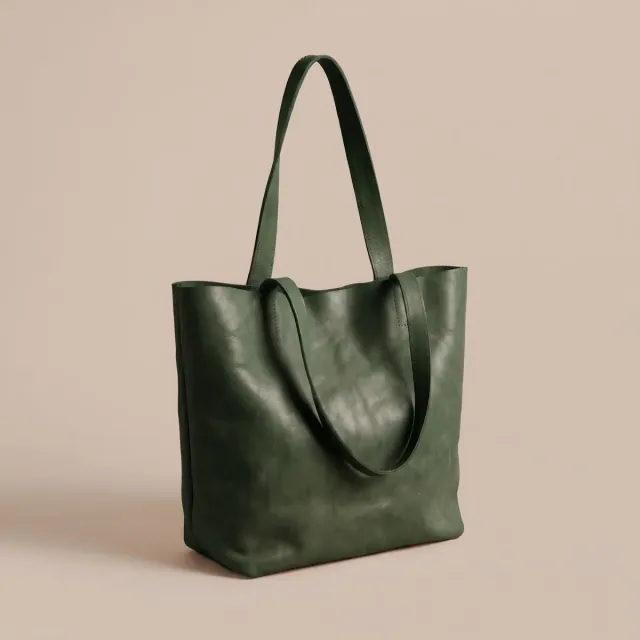
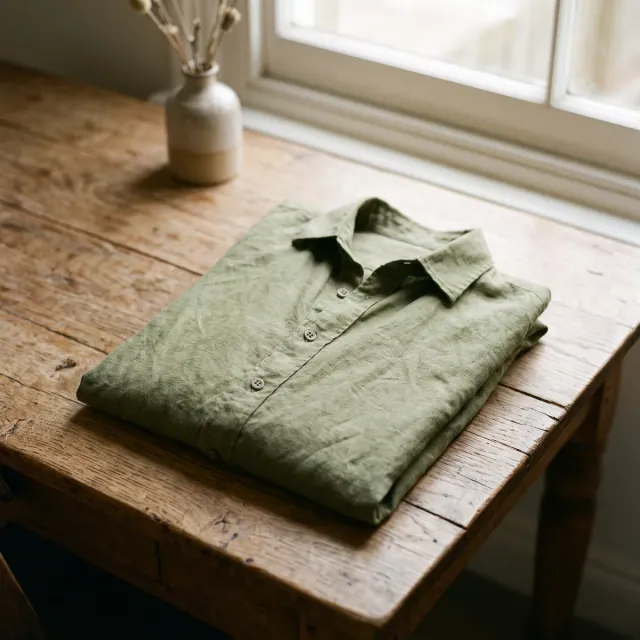
500 photos: a studio shoot or atlios
Product photography for 100 products with 5 photos each, on a plain background.
A studio
500 photos at $25 each
atlios
500 photos at 2K, 8 credits each
Studio price: published rates from ProductPhoto.com, Soona and Shootify, November 2026.
Pay per picture, in credits
Making image files smaller for a faster shop is free. New accounts start with 25 free credits.
Will the product look the same?
You approve it
Small differences can happen. atlios compares each picture with your photo and warns you when something looks wrong.
Which photos can I use?
Most kinds
Phone, supplier, flat lay and mannequin photos, as JPEG, PNG, WebP, AVIF or GIF up to 20 MB. Not HEIC, TIFF or PSD.
Can it handle mannequin photos?
Yes
Mannequin and flat-lay photos of clothes can be sent to your on-model look automatically.
What sizes can I get?
256 to 4096 px
On each side. You set the size and shape in the look.
Who is the model?
Made up
A house model is a made-up person. Describe the person once, and the same model appears on every product.
What happens to my current photos?
They stay
New photos are added to the product gallery.
Also in atlios